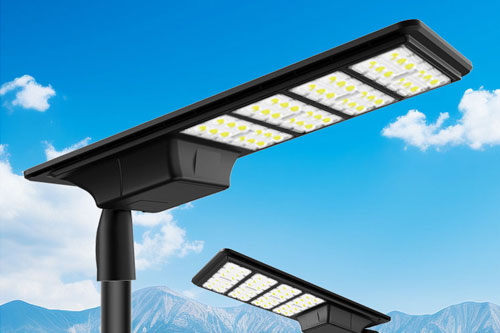


Short answer: Before accepting an LED street light IES file, match it to the exact luminaire offered: model and optic, LED and driver configuration, output setting, mounting orientation and file revision. Then run that file with the project's road geometry and lighting criteria. A readable .ies file is a transfer format for photometric data; the filename alone does not establish that the quoted fixture or proposed layout will meet a road-lighting requirement.
This checklist is for buyers, designers and contractors comparing roadway luminaires before a purchase order. It focuses on file identity and model inputs, not on selecting a pole or claiming a universal illuminance target. Start from the luminaire schedule and ask each supplier for the photometric file that belongs to the quoted configuration. The IES LM-63 format supports electronic exchange of photometric data; project acceptance still depends on the applicable design criteria and the calculation made with the correct product file.
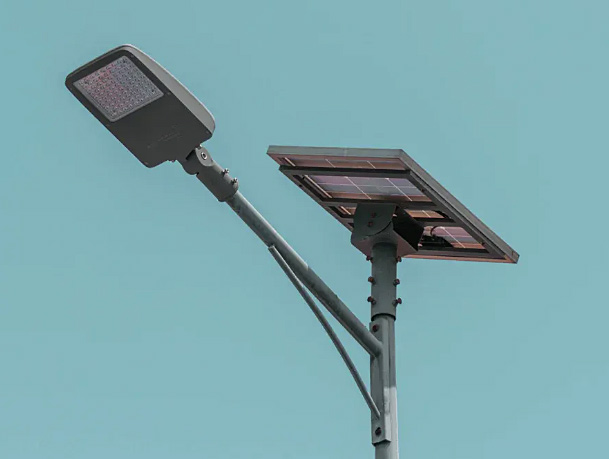
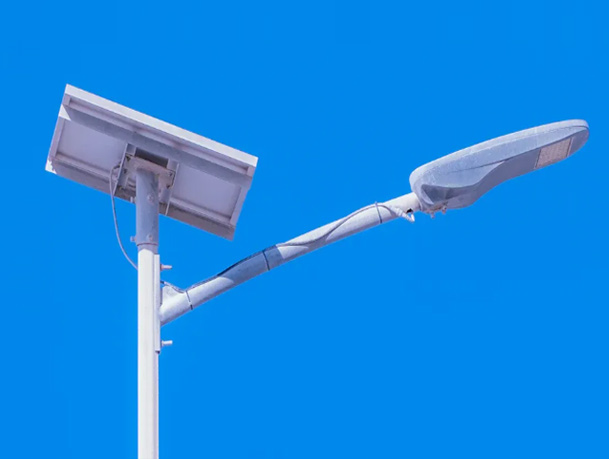
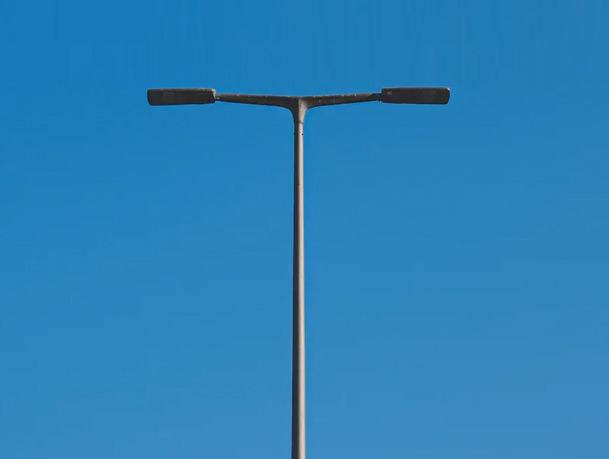
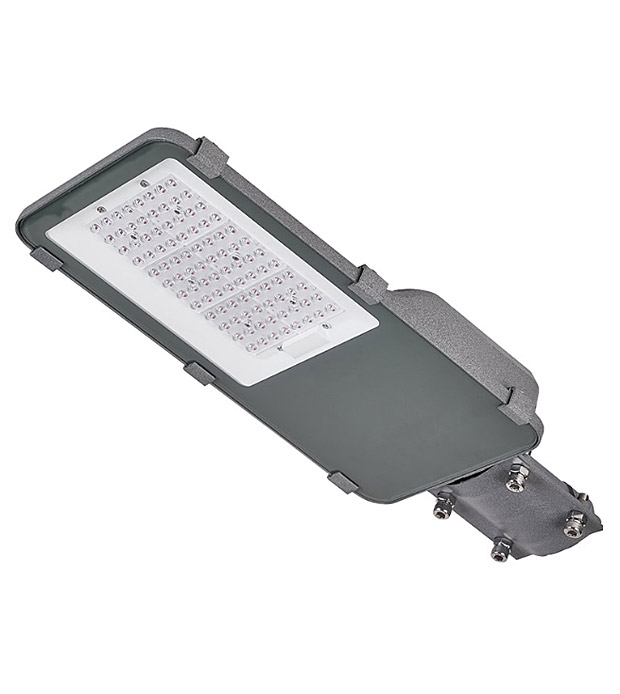
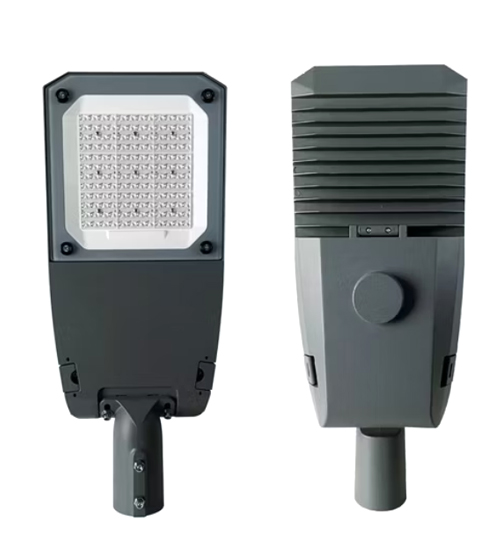
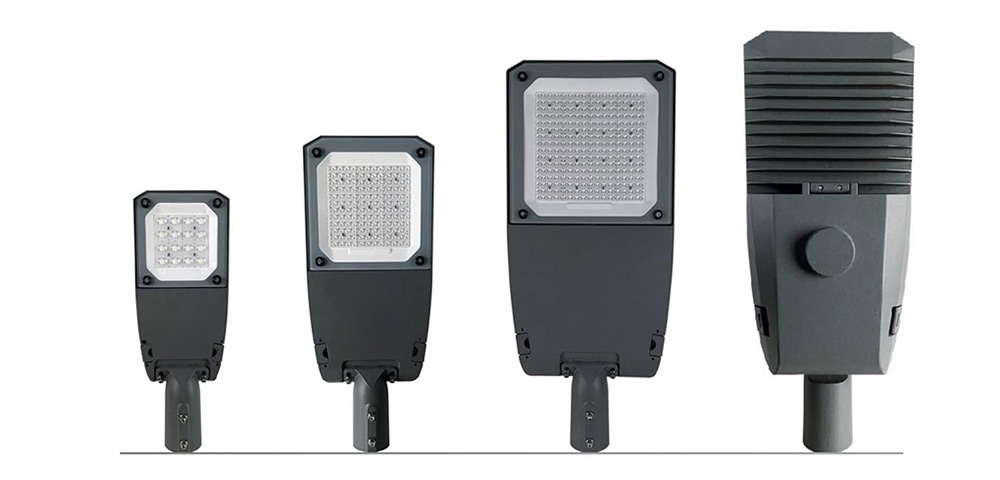
A family name is not enough. The same housing can be sold with different lenses, LED boards, drive currents or mounting arrangements. Ask for a clear product code and a configuration cross-reference, especially if several wattages or distributions share one visual design. Jieyao's high-efficiency LED street light and modular LED street light pages show why the product family and the exact offered variant should be distinguished.
| Buyer input | What to compare | Evidence to request |
|---|---|---|
| Luminaire identity | Exact model, optic and light-emitting configuration | Quote line, datasheet and file identifier on one cross-reference |
| Electrical setting | Rated input and output setting used for the offered variant | Driver setting and corresponding test or supplier record |
| File control | Issue date, revision and tested assembly identity | Current .ies file and linked photometric report where specified |
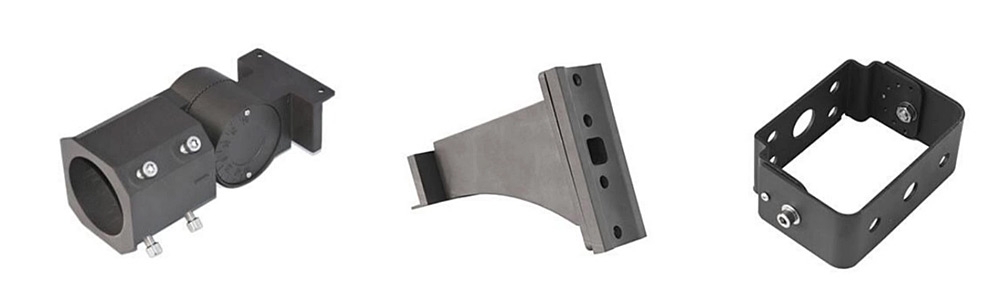
| Mounting | Tilt, rotation, outreach and mounting height in the model | Drawing or calculation input schedule approved for the site |
Import the supplier's file into the chosen calculation software and record the exact filename and revision in the model. Set the actual carriageway width, lane arrangement, pole locations, mounting height, outreach, tilt and maintenance assumptions. Check the outputs against the project's applicable road-lighting criteria rather than against an advertisement or an image of a beam. If the model changes after a fixture substitution, rerun it with the new file. The road-lighting tender comparison guide covers the broader supplier decision; this page addresses one technical submittal within it.
Keep the calculation file, luminaire schedule and accepted photometric file together. During procurement, record which person approved a substitution and whether the model was rerun. During handover, keep the as-supplied model and optic code so later replacement does not silently change the light distribution.
| Finding | Why it matters | Buyer action |
|---|---|---|
| File names only a product family | Optic or driver variant may differ from the quote | Request an exact code-to-file mapping |
| File revision differs from submittal | Model and offer may use different photometry | Freeze the correct issue and rerun the model |
| Tilt or mounting detail is missing | Orientation changes the calculated distribution | Confirm bracket geometry and model inputs |
| A replacement is offered later | Visual similarity does not prove equal output | Obtain replacement file and repeat acceptance check |
No. The file transfers photometric data for a luminaire. A site calculation combines that data with geometry, mounting and project criteria.
Do not assume so. Ask the supplier to identify the exact tested or supplied configuration represented by each file and match it to the quoted item.
No. Compare the product code and optic against the photometric data and, when required by the project, the supporting test report.
Keep the approved calculation, accepted .ies file and revision, luminaire model and optic code, mounting inputs, and any approved substitution record together.
Contact Us
Get a custom lighting solution and quotation for your project. Outdoor lighting manufacturer in Yangzhou, ChinaAbout Jieyao LightingYangzhou Jieyao Lighting Equipment Co., Ltd. is an outdoor lighting manufacturer focused on solar street light systems and high mas... Do you have any questions or requests?
Email: jay@jieyaolighting.com

Click to Chat.
Im online now.